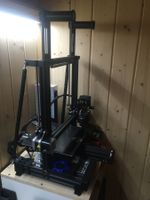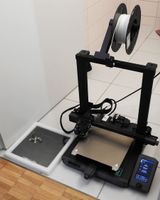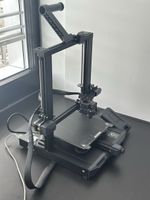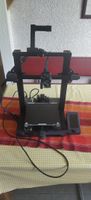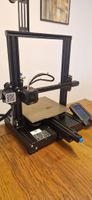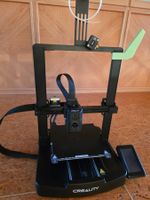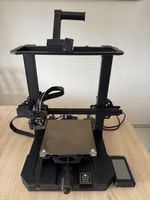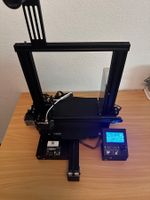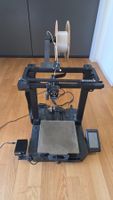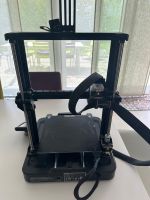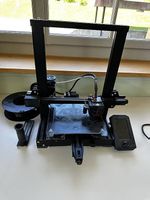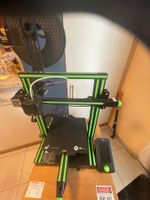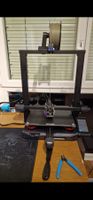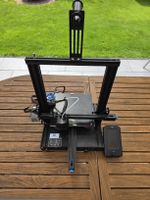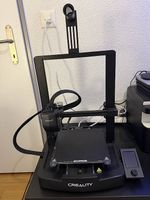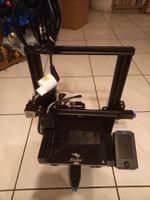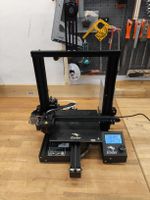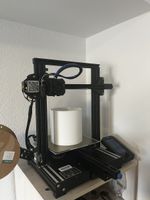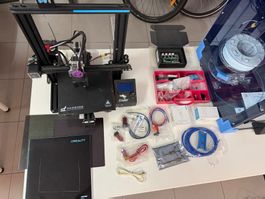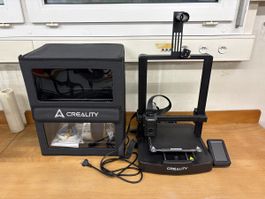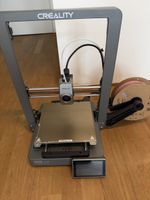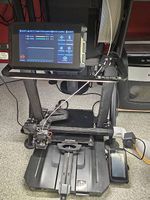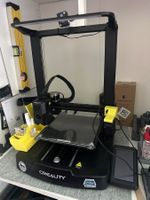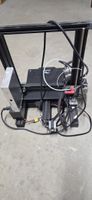
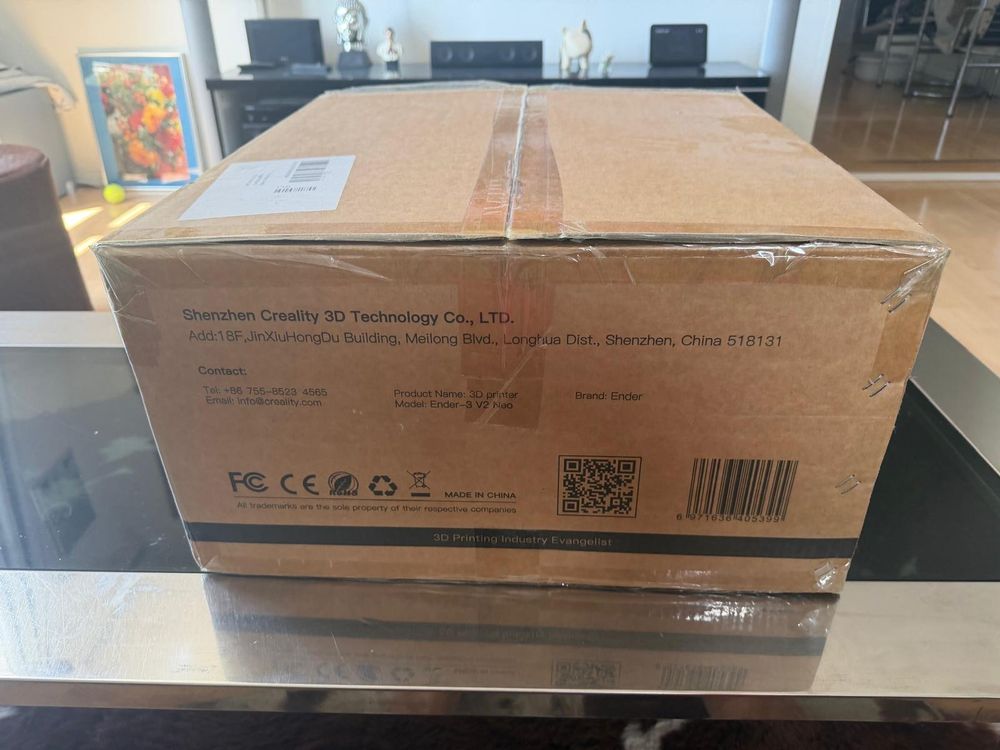
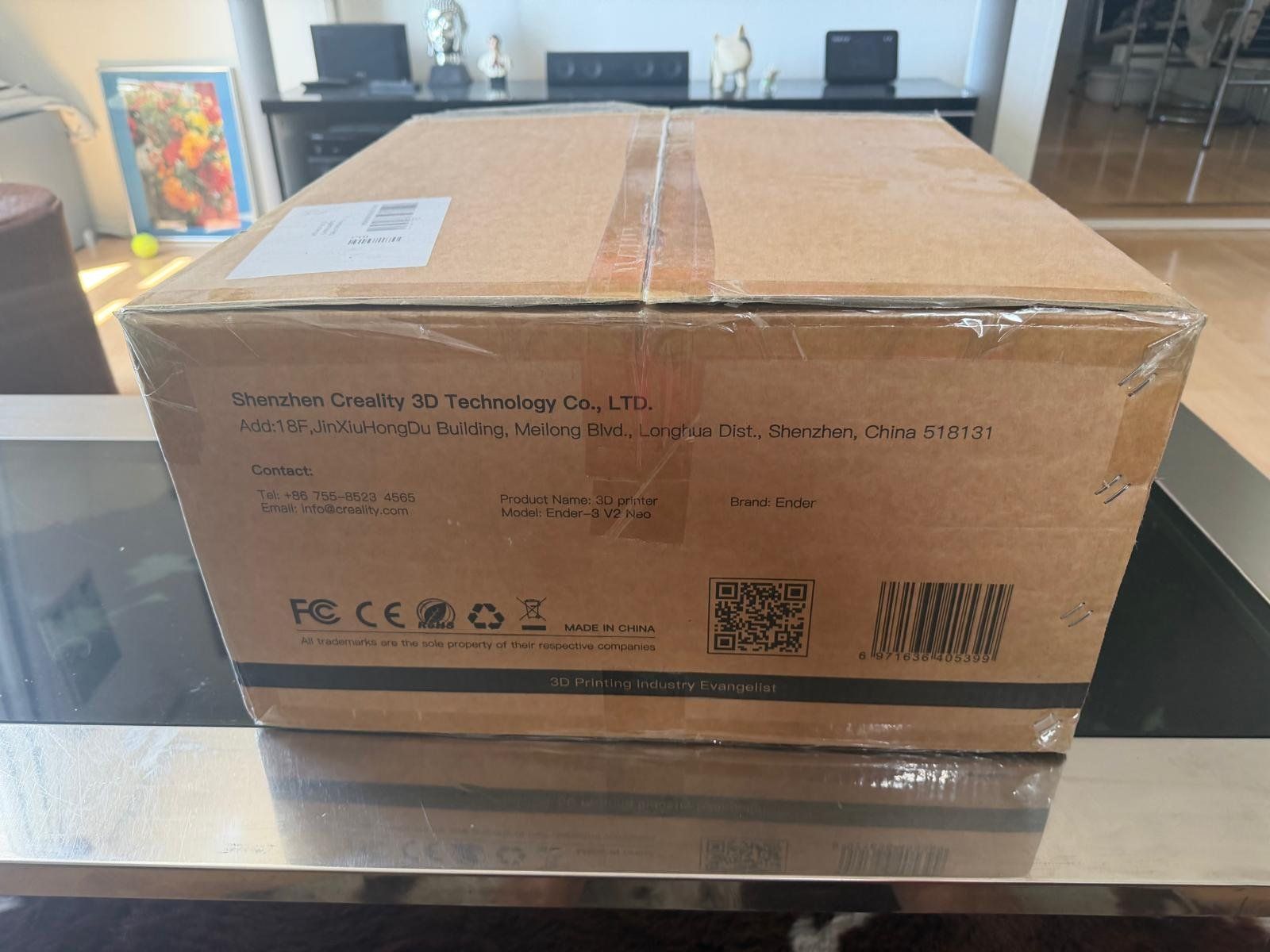
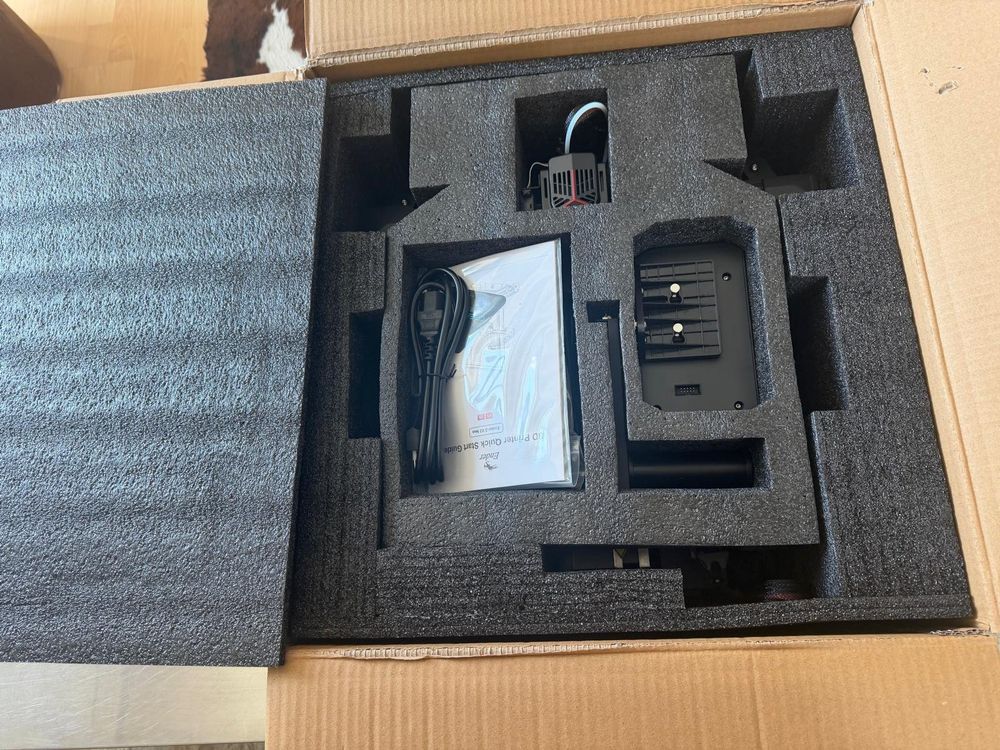
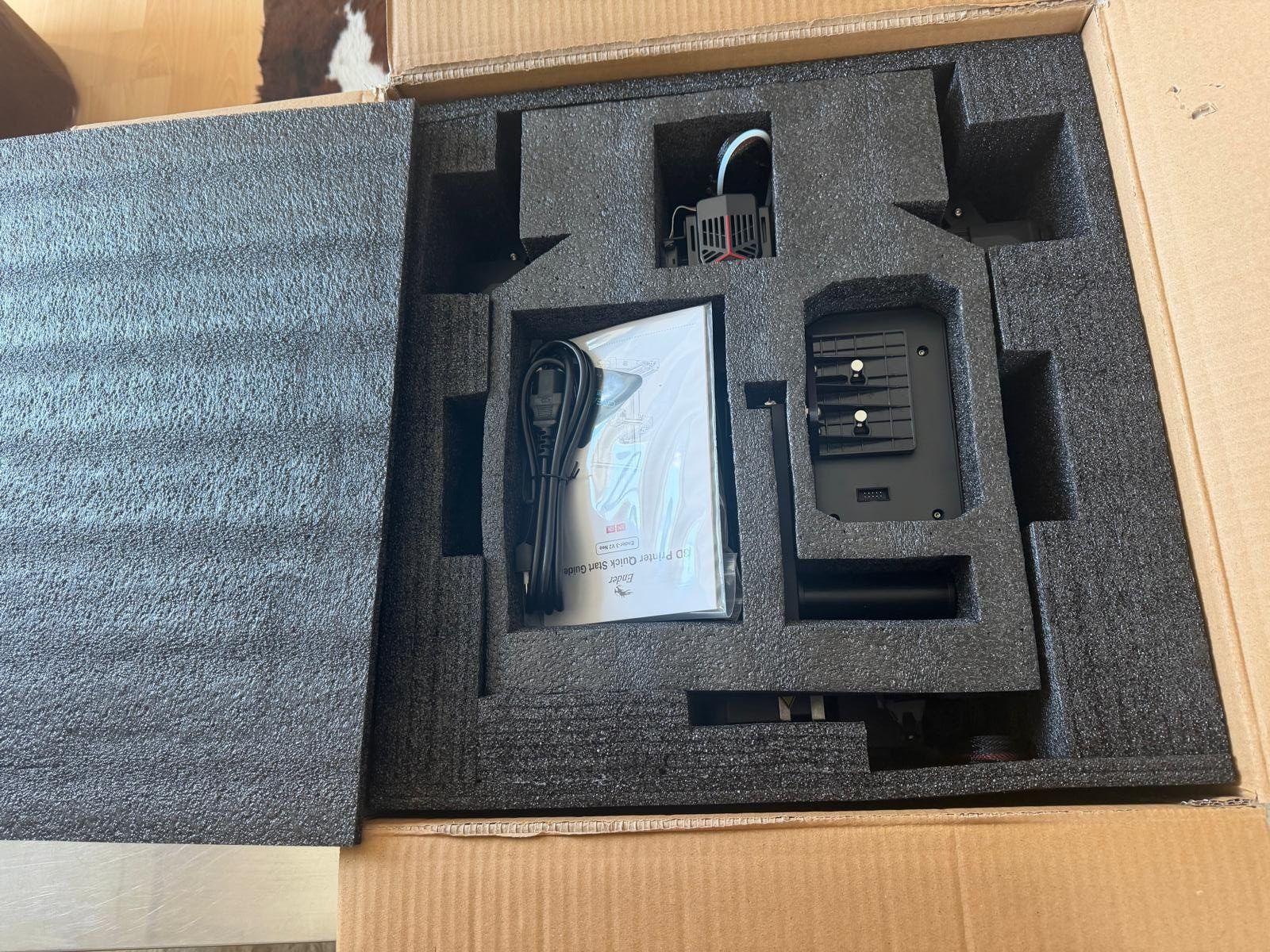
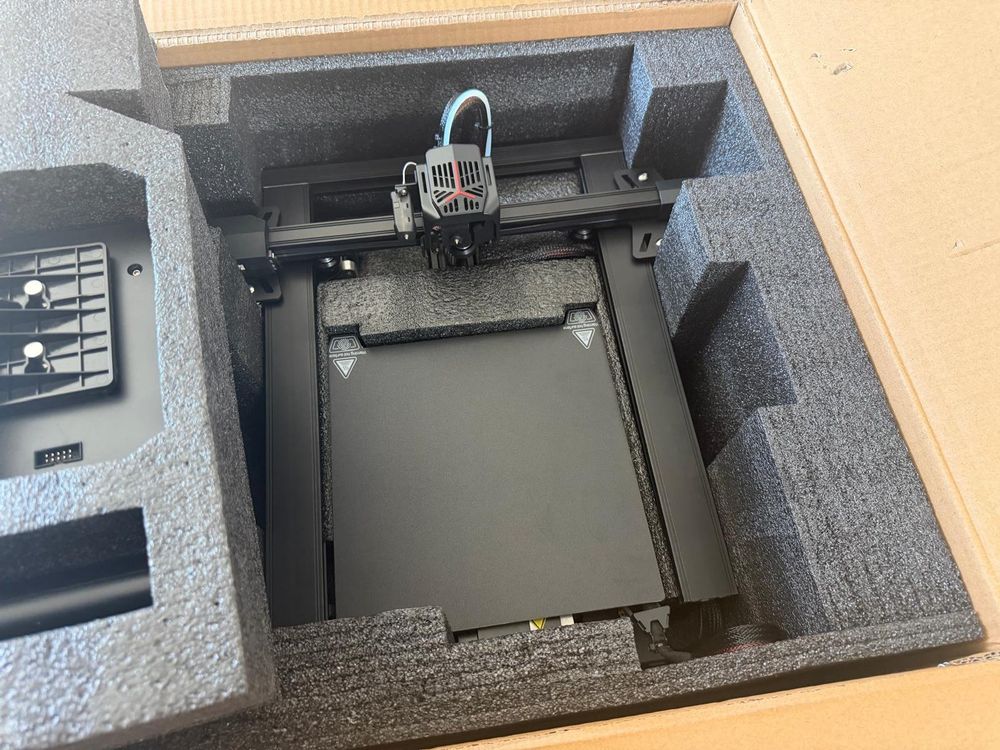
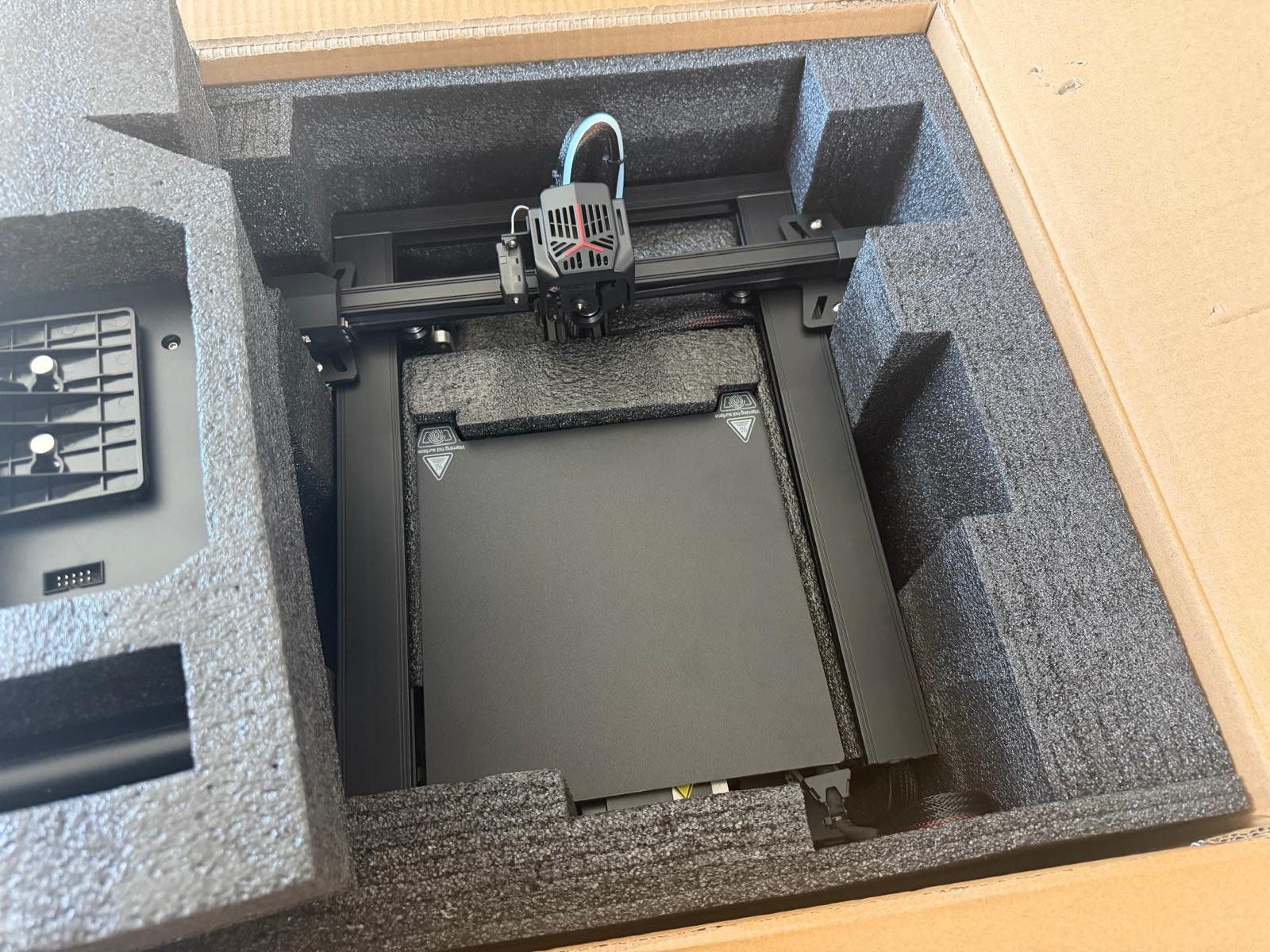
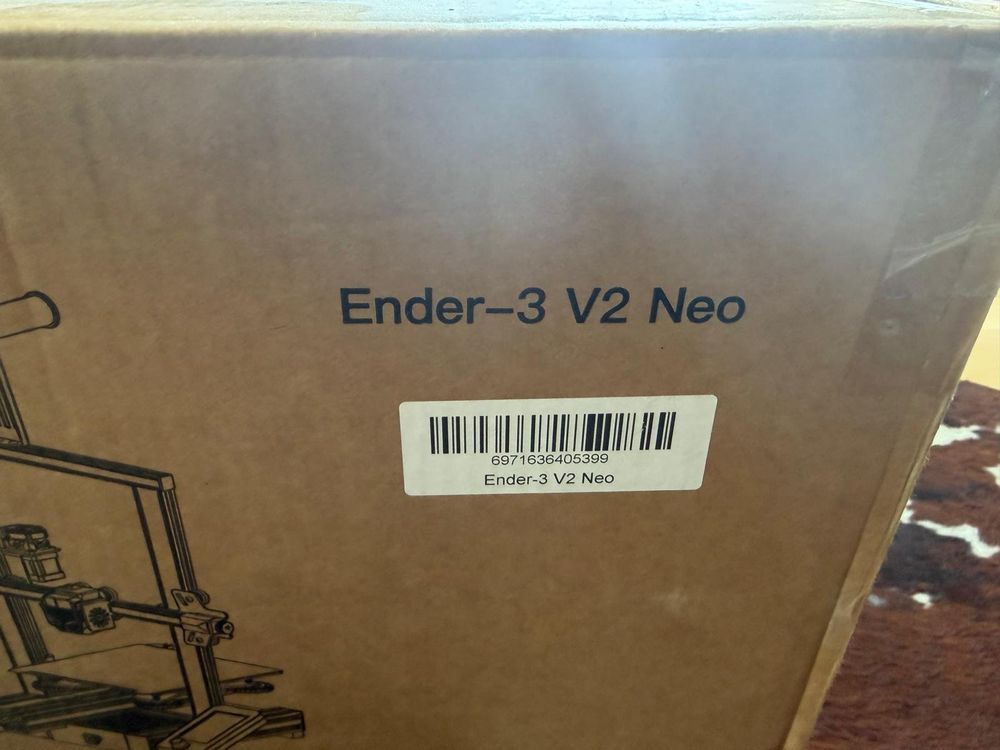
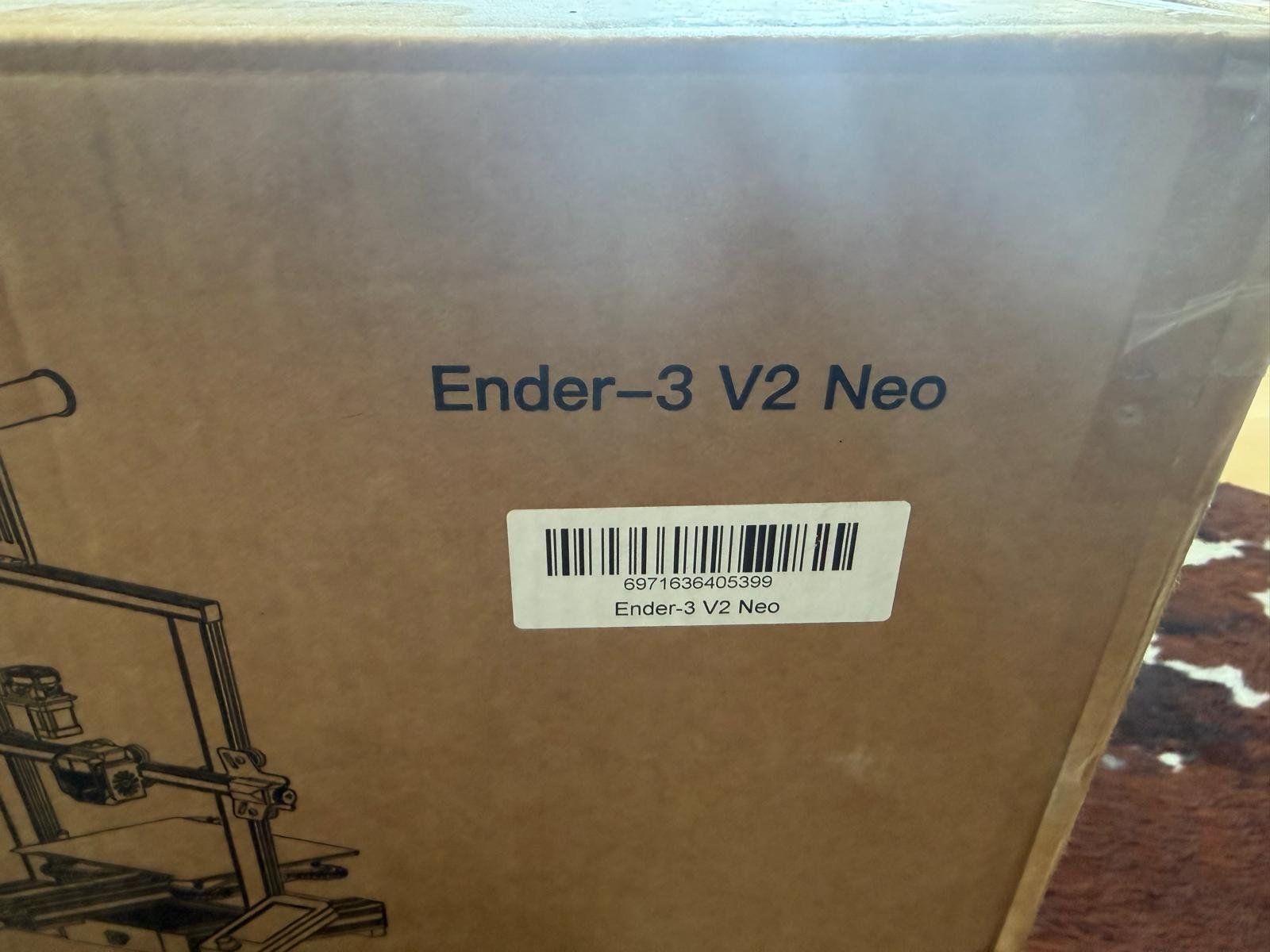


New in the original box never used
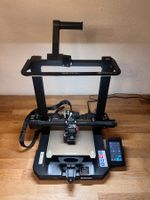
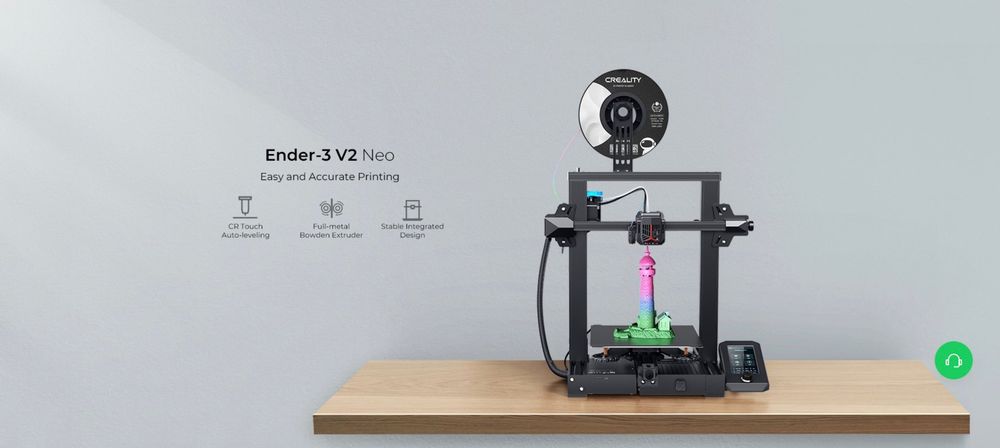
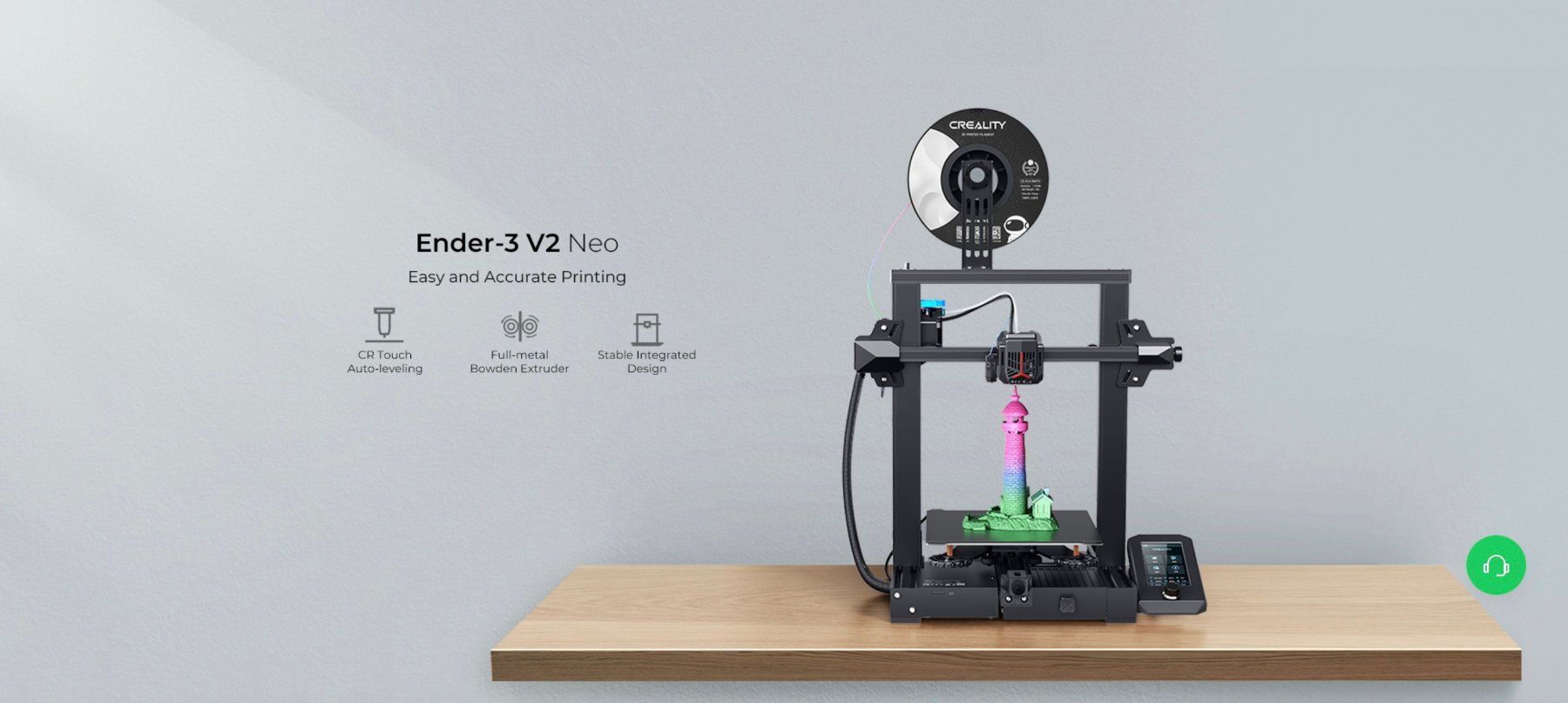
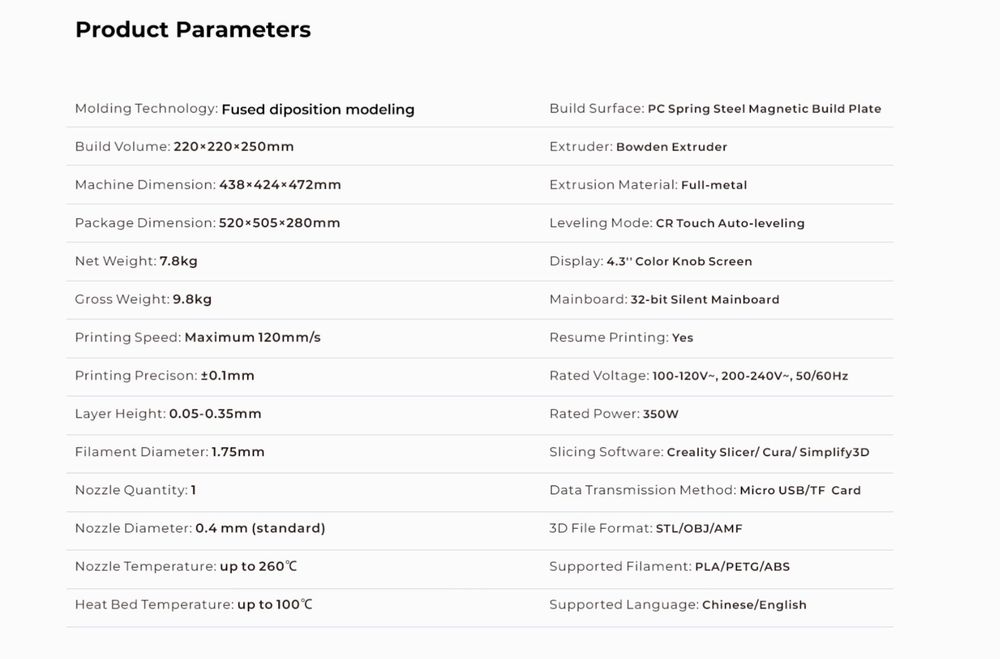
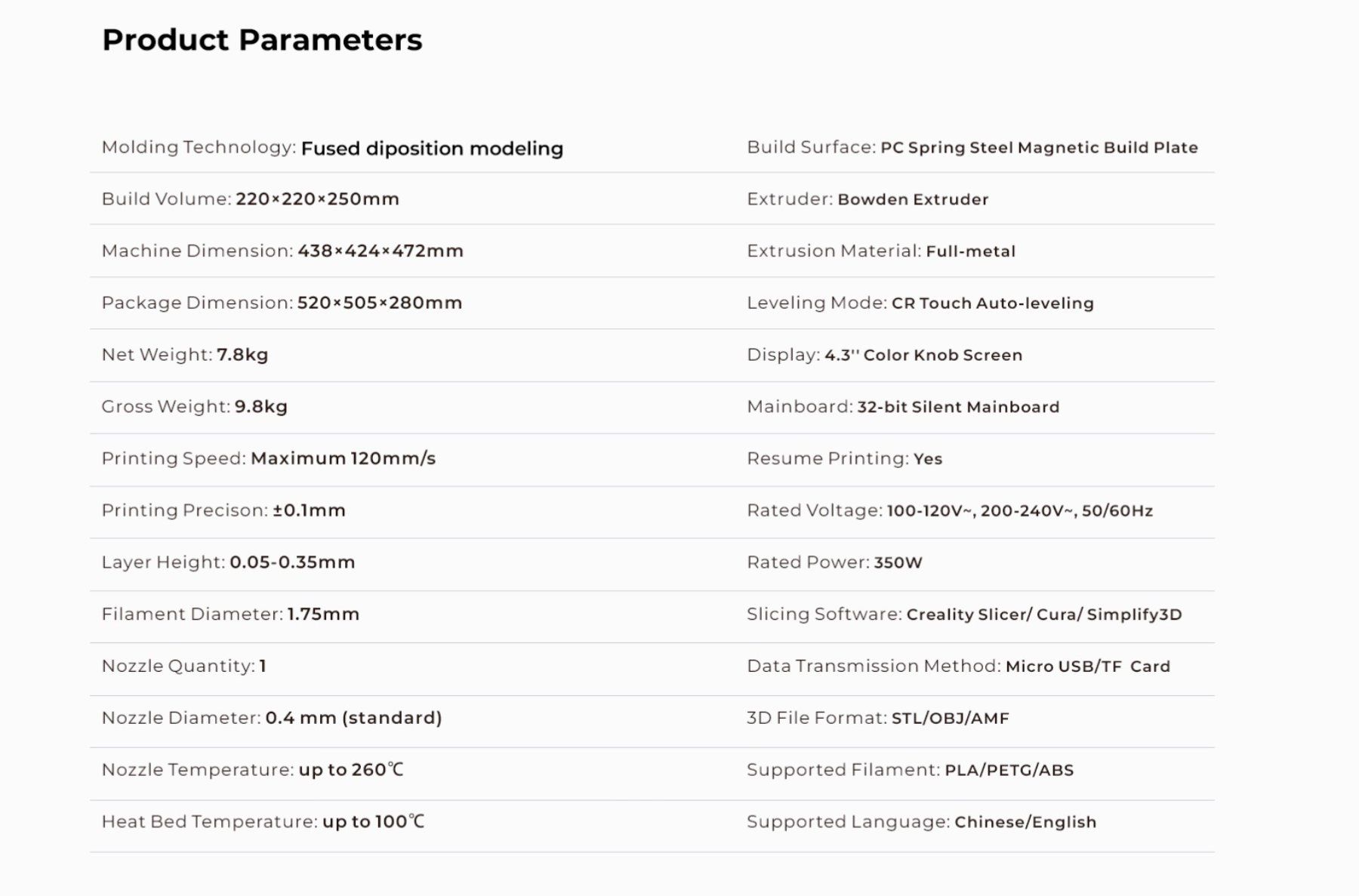
Creality Ender 3 V2 NEO
Creality Ender 3 V2 Neo Review
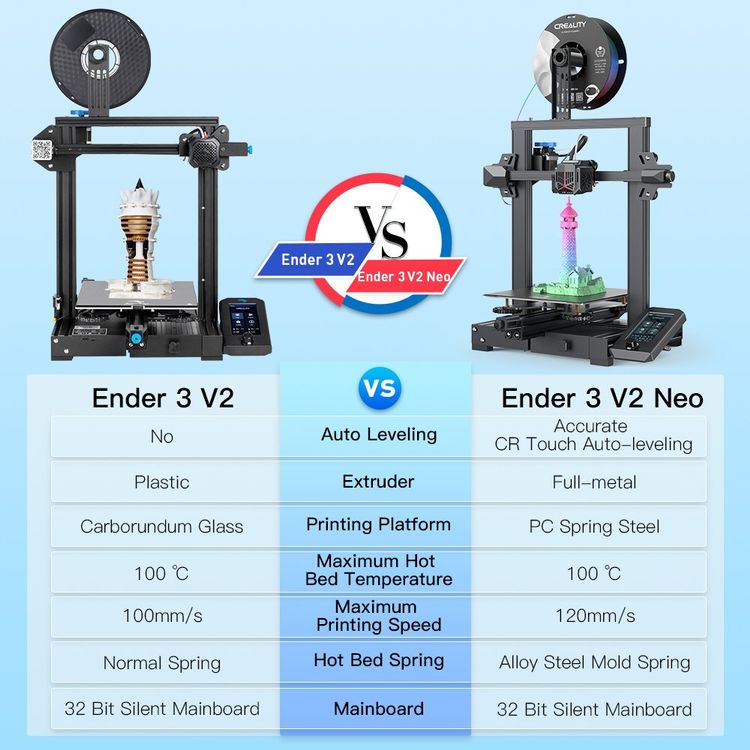
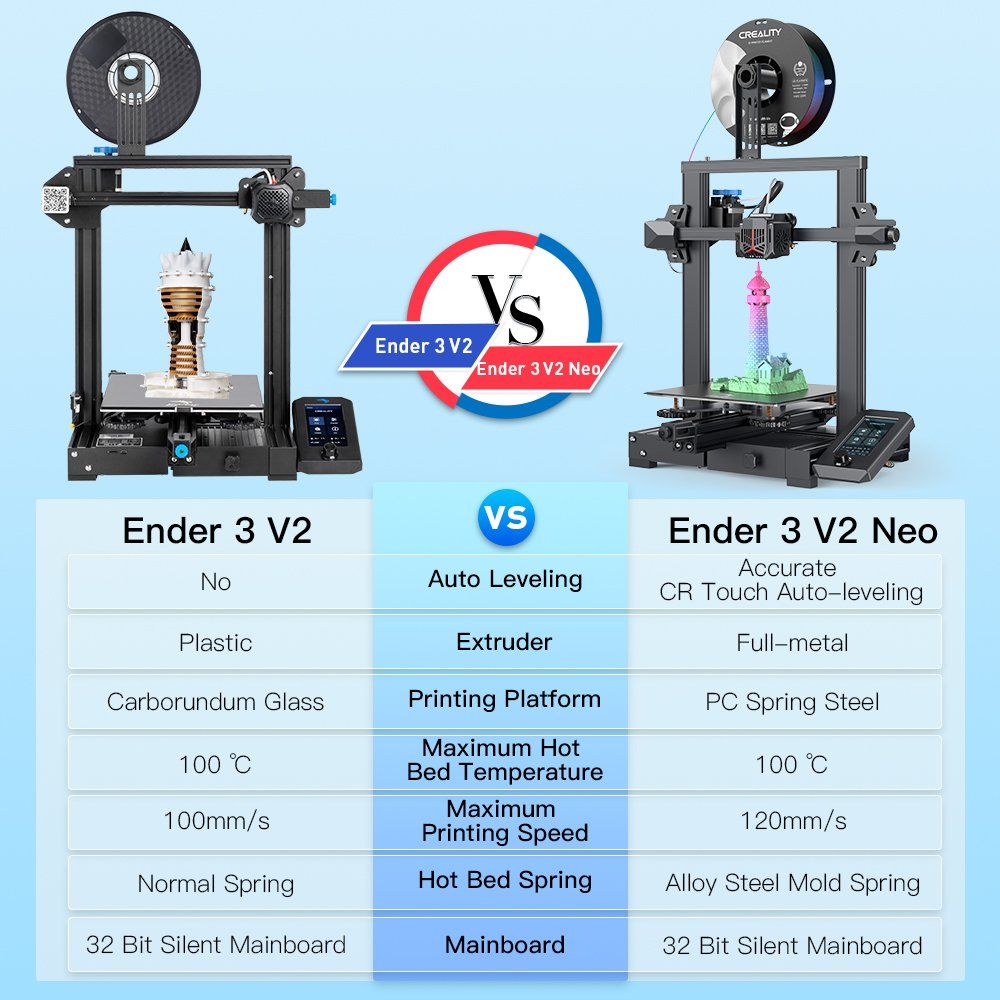
The Creality Ender 3 V2 Neo is the 2022 iteration of Creality’s popular Ender 3 series of 3D printers. Building upon the success of the Ender 3 V2, the V2 Neo ships with a number of improvements and upgrades at nearly the same price, aiming to compete with other new entries in the budget 3D printer space
In this review, we’ll take a look at how to assemble the Ender 3 V2 Neo, whether the Ender 3 V2 Neo is easy to use, and the overall print quality you can expect. .
Assembling the Ender 3 V2 Neo
General Overview of Assembly
We were pleased to see that the connectors are all labeled and keyed to only insert one way, making the assembly process very beginner friendly. The instructions indicate which connectors are 6-pin or 2-pin and how many wires are in each connector, making it easy to identify the right connector.
While the text and illustrations of the provided paper guide are very small, there’s a full manual on the included micro SD card which is much more complete with text and illustrations that are far easier to read—it’s worth looking at this on a computer or phone to aid in assembly.. The connectors all branch off of a single cable bundle running out of the mainboard housing in the base. This cable bundle is nicely sleeved coming out of the base to the hot end. It splits out to a ribbon cable and further separates out to a series of connectors near the extruder.
Assembly Process
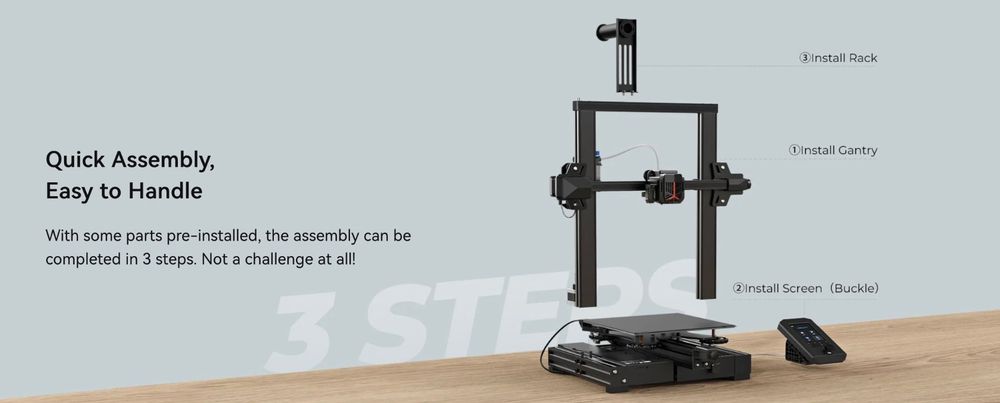
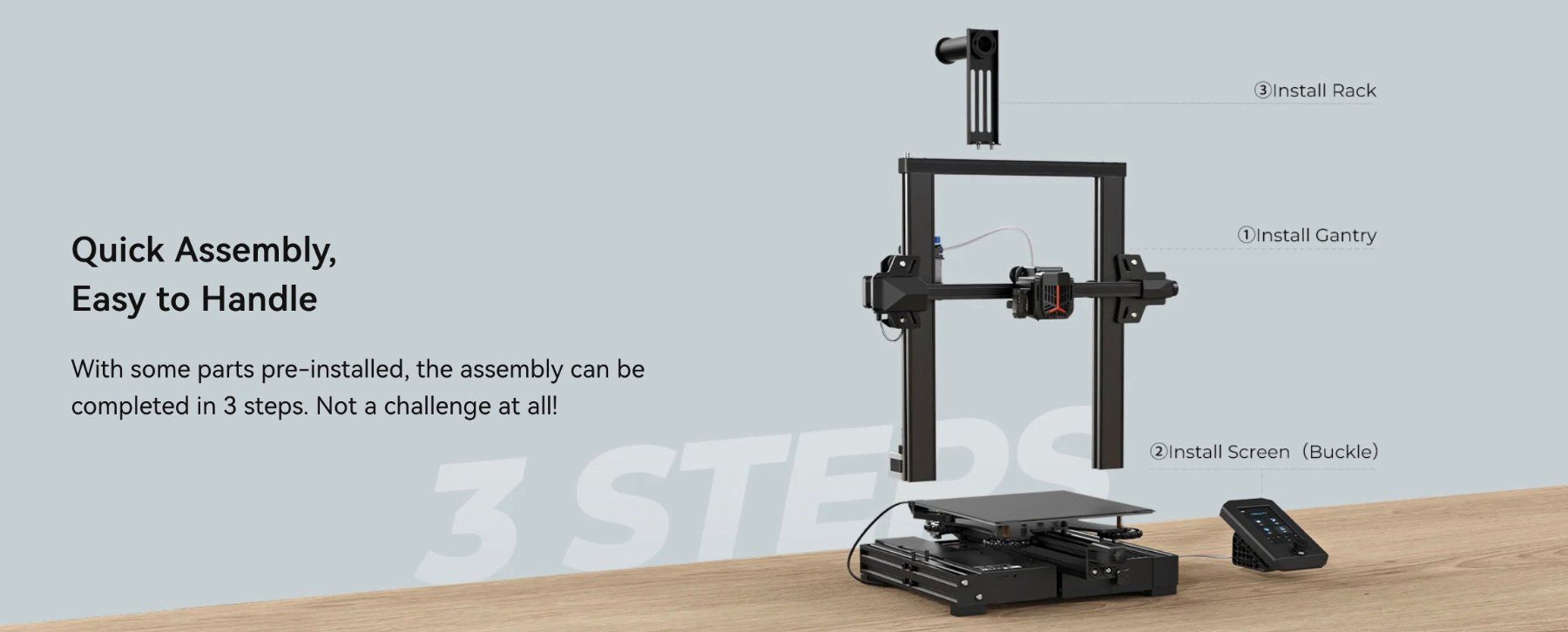
Assembling the Ender 3 V2 Neo took about 15-20 minutes, rather than the hour or more that the previous Ender 3 models could take, and is definitely more beginner friendly. While we recommend you use Creality’s instructions for the assembly, we’ll walk through the assembly process to give you an idea of what it entails.
Before turning the printer on, verify the voltage is set correctly on the power supply. Like most 3D printers, the Ender 3 V2 Neo is equipped with a power supply that does not automatically adjust to incoming voltage. This may be a surprise to those new to 3D printing and used to computer power supplies. The selection switch is set from the factory to 230V, requiring you to change the setting if you are in an area with 120V power, such as the US. This is indicated in the quick start and complete manuals and there’s a prominent yellow warning sticker showing this, which is good because the switch is relatively far inside the housing and is a little hard to see based on lighting conditions.
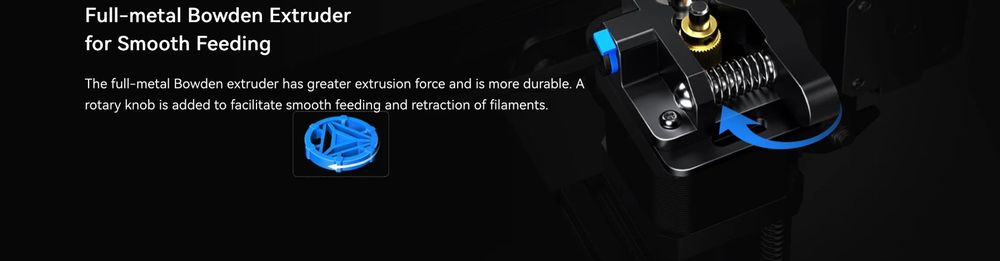
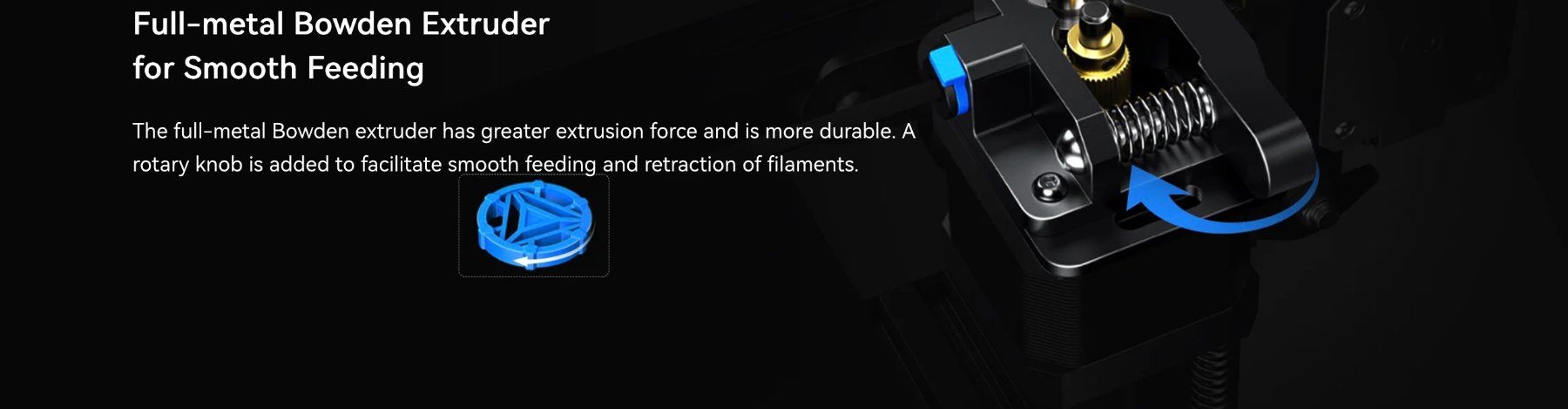
Extruder advance indicator knob, Z axis stepper motor connection and cable ties on extruder and sleeved cable.
Make sure you set the input voltage properly, or the printer will not turn on.
Ender 3 V2 Neo New Features
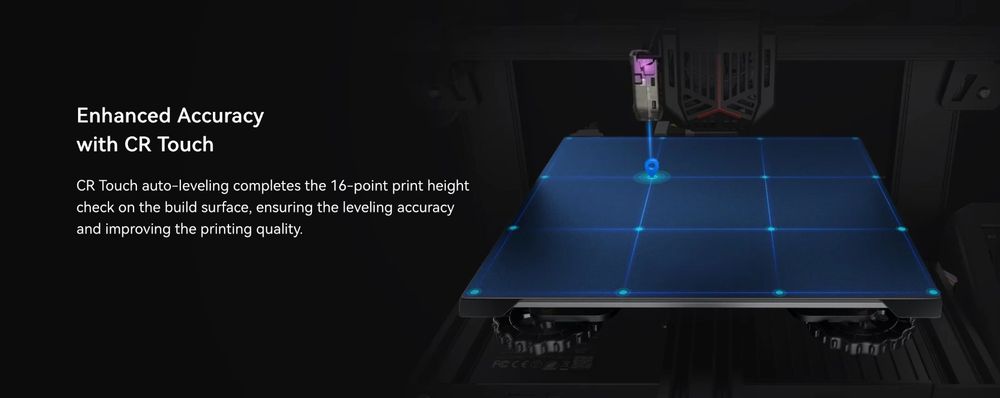
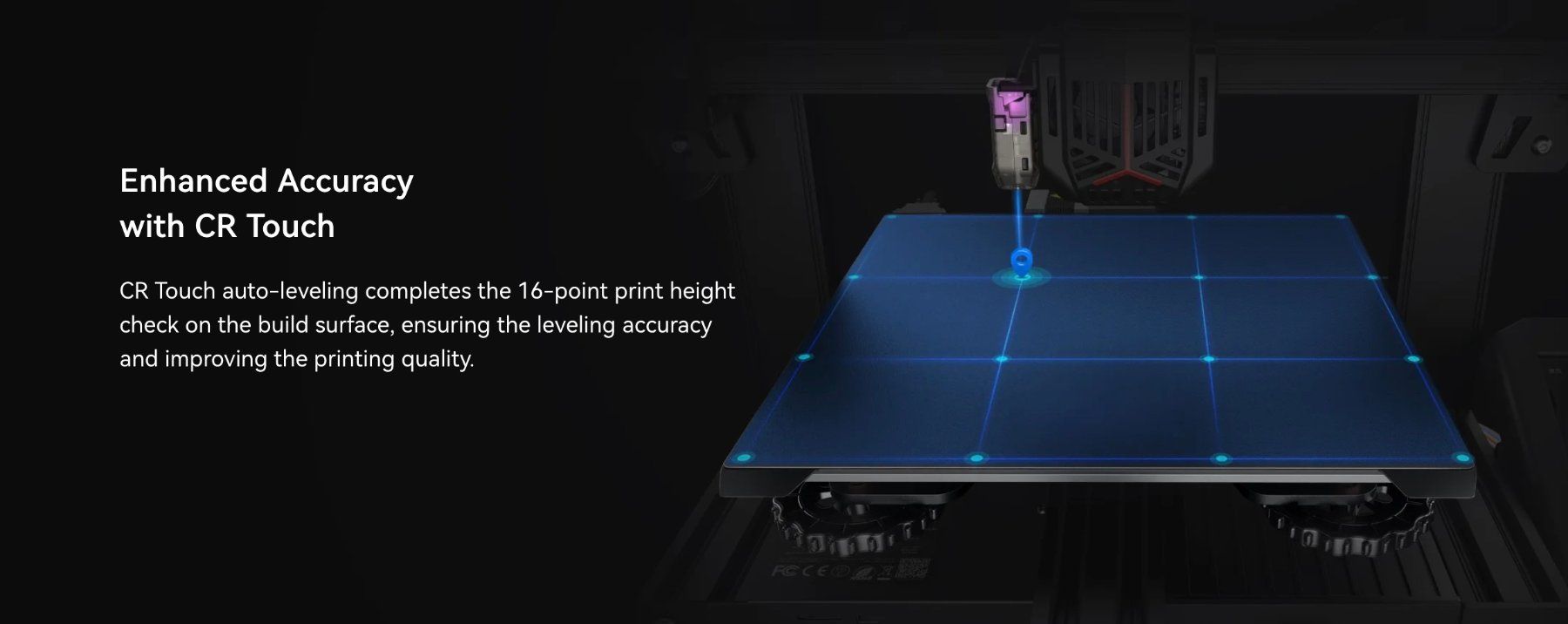
The CR-touch sensor probing the bed as part of the mesh leveling procedure.
Using the CR-touch Auto Bed Leveling
Although the Ender 3 V2 Neo is equipped with CR Touch automatic bed leveling, it’s still a good idea to roughly level the bed manually, especially before your first print. Auto leveling works best on a bed that’s already close to level.
Updated Hot End
Creality introduced a new hot end for the Neo series, with a couple of notable updates over the previous design. The new enclosure is easy to see in images of the printer, but a less obvious feature is that the heat sink has been redesigned to help prevent filament jams. Jams are typically caused if filament gets hot too soon and melts within the heatsink section before it reaches the nozzle, so improved cooling of the portion before the heated nozzle is an important new feature that should improve reliability.
We were also pleased to see a more robust connector for the PTFE tubing at the top of the hot end - we have seen these fail on some printers and need to be replaced, but the new one appears to be fully metal and less prone to failure. Previous designs used small metal teeth to hold the tube in place, which would break and fail over time.
The redesigned heat sink and new metal PTFE tube coupling are key improvements to the Ender 3 V2 Neo’s hot end.
The Verdict
Overall, we found the various upgrades the Creality Ender 3 V2 Neo offers over the Ender 3 V2 to be quite worthwhile. The price of the Neo model is actually less than what you’d pay if you purchased an Ender 3 V2 and upgraded the parts separately, making this printer an excellent deal. In particular, the CR Touch automatic bed leveling really helps to get a good print, especially for newer users.
Creality addressed many of the shortcomings with the Ender 3 series with the release of the Ender 3 V2, and further addressed the few remaining issues with the release of the Ender 3 V2 Neo. This is the most upgraded and the most advanced Ender 3 3D printer you can buy.
For these reasons, we definitely recommend the Creality Ender 3 V2 Neo, especially for beginners to 3D printing or those looking for modern features on a budget.